Dialog
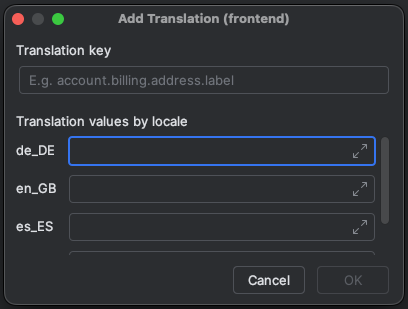
The Translation dialog is used to add or edit translations.
You can create a new translation for the currently selected module by using the Add Translationaction in the Translations Tool Window.
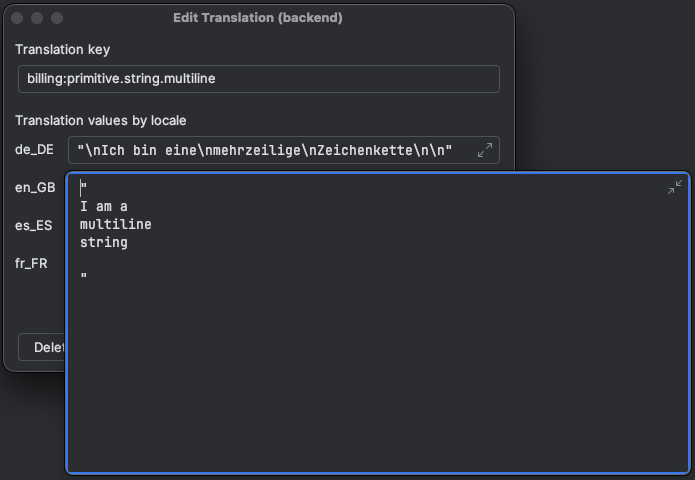
Additionally, you can open the Edit Translation dialog for a specific translation by right-clicking it inside the tool window.
Edit dialogs can also be opened by selecting a valid translation key inside the code editor (Go To Declaration).
Translation values inside the dialog can optionally span multiple lines. Multi-line values will be concatenated by breakline sequences.
Screenshots